FAQ
Is Vertex Studio a standalone application?
No, it’s a Godot Engine plugin (addon). It requires you to use it in a project inside the Godot editor.
What is the minimum version of Godot required?
Godot 4.3 or higher.
Is it GDScript or C++?
It’s available in two versions:
A 100% GDScript one: the recommended version for low-poly and retro-stylized games.
And a C++ GDExtension version which supports millions of vertices per mesh. The GDExtension libraries come pre-compiled for all architectures, so it’s plug and play for you, you don’t have to compile anything.
My model has a custom shader and custom material, can I use Vertex Studio to paint it?
Yes.
If your custom material (called Original Material in Vertex Studio) is not applied to your model when you open Vertex Studio, you can click the Restore Original Material button to apply it again.
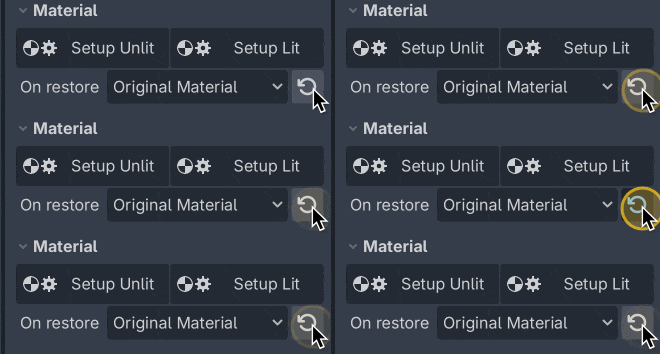
The tradeoff of keeping using your custom material while painting is that you won’t be able to use Vertex Studio’s debug views and view modes (like toggling texture, vertex colors on and off, visualizing different channels, etc.). For that, you can simply click Setup Unlit / Setup Lit anytime to switch to the paint material and then re-click Restore Original Material anytime to switch back to your custom material.
You can do this as many times as you need during the usage of Vertex Studio, and upon closing Vertex Studio (or simply running the project), the original material will be restored automatically.
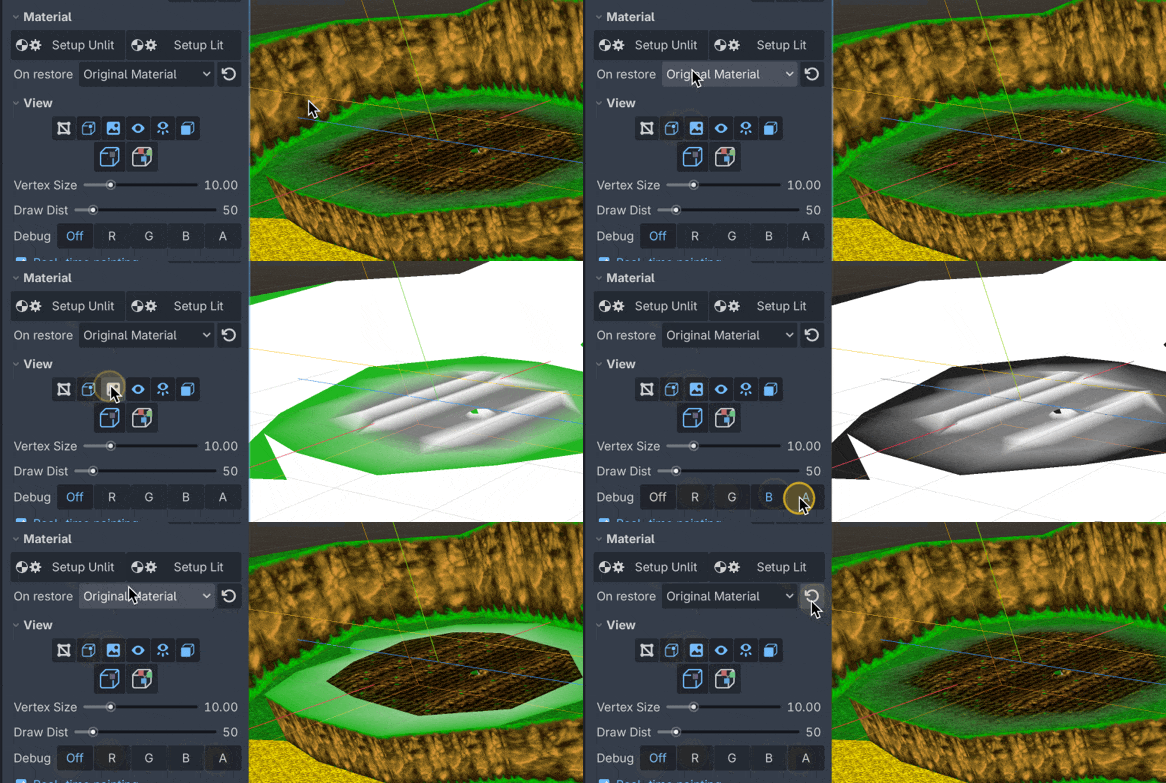
See the Material Setup page for more.
Is there undo and redo support?
Yes, undo history is implemented, you can undo and redo normally in Godot.
What is the maximum amount of triangles per mesh that Vertex Studio can handle?
That depends on which edition you are using.
GDScript edition. Up until 20k triangles per mesh (plus children meshes) there’s barely any noticeable performance impact. From 20k to 80k triangles in a single mesh it’s still possible to paint and select vertices, but the brush starts to get sluggish. I tested painting a mesh with 2.5 million triangles and neither Godot nor the addon crashed, but each brush stroke took a few seconds.
GDExtension edition. Painting up to about 1M triangles is smooth, and from 2M to 4M it is still usable in real time, with the occasional stutter. See GDExtension edition (high-performance core).
Either way, if you have a scene with multiple separate meshes there’s no performance impact from the others, since Vertex Studio only processes the currently selected mesh (and its children).
When dealing with denser meshes, be sure to disable Show Wireframe and Always Show Vertices under View. Always Show Vertices in particular is not worth it past a few tens of thousands of vertices in either edition: it draws so many squares that the result is an unreadable clump (see A note on Always Show Vertices).
Above roughly 50k vertices, also save your scene as .scn rather than .tscn: see Save dense scenes as .scn.

Can I paint the vertex colors of skeletal/skinned meshes? Can I paint on animated meshes?
Yes. Vertex Studio supports both static and skeletal/skinned meshes, even if the mesh is in the middle of an animation.
But if you are going to save selections into variations or vertex groups, it’s recommended to make the selection in a neutral pose.
For example, with this Banjo-Kazooie-inspired character, I selected the first frame of the idle animation in the AnimationPlayer, then selected the eyes and saved the selection as a variation:
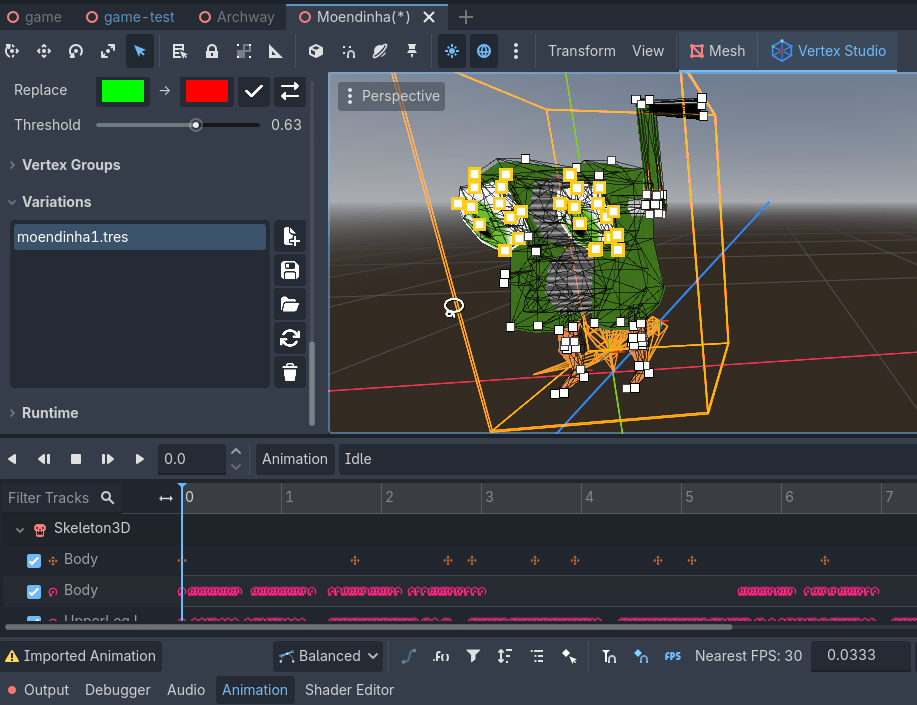
As another example, I painted that character’s feet while it was neutral:
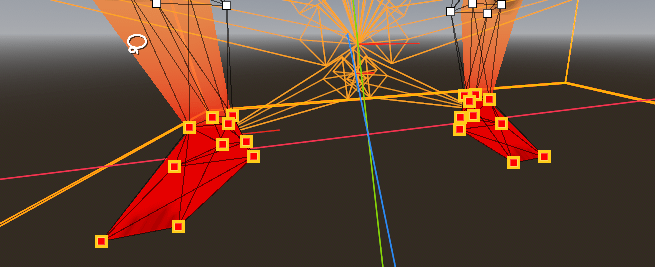
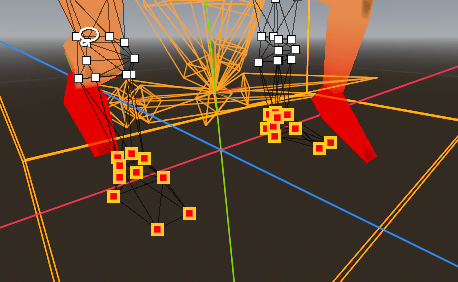
And this is how the selected vertices look like when the character is in another pose. The current limitation is that the vertices always appear in the position of the neutral pose (“floating” away from the mesh). But even if the vertices are “floating”, you can still paint them, like here:
What happens when I vertex paint a mesh with Vertex Studio and then update the source model externally (like Blender), does the updated mesh gets the previously painted vertex colors?
No. You cannot recover the vertex colors in this case not even with variations, since what you do in Vertex Studio is saved inline in the MeshInstance3D node, it overrides the mesh data from the external source file (Blender, GLTF, OBJ or FBX file), and by changing the source file, vertex and normal positions might change, which doesn’t match the inlined data.
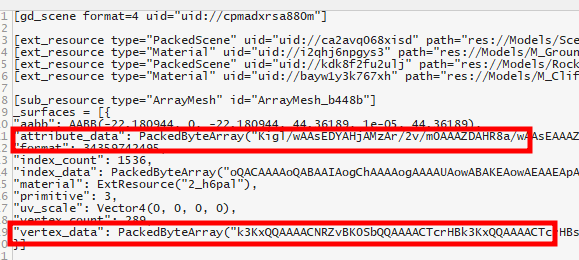
What you do in Vertex Studio is saved inline in the scene file that contains the MeshInstance3D node: