Installation
Download and extract
Download Vertex Studio from the Godot Asset Store (Free version) or from itch.io (Free and Pro versions).
Extract the zip file
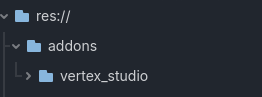
If you already have addons in your Godot project, move
addons/vertex_studiointo youraddonsfolder, otherwise move the wholeaddonsfolder into your Godot project.
Tip
Dealing with meshes with hundreds of thousands or even MILLIONS of vertices? Use the GDExtension edition instead, which adds a C++ core and improves performance for up to millions of vertices. You don’t need to compile anything, pre-compiled libraries are included, the installation process is the same (and it’s also available in the Free and Pro versions). See GDExtension edition (high-performance core).
Note
Vertex Studio requires Godot 4.3 or higher.
Activate the addon
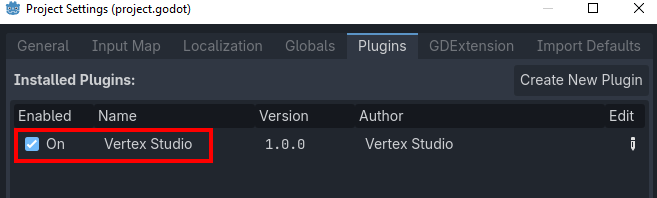
In Godot, go to “Project > Project Settings… > Plugins” and enable “Vertex Studio”.
Open the addon
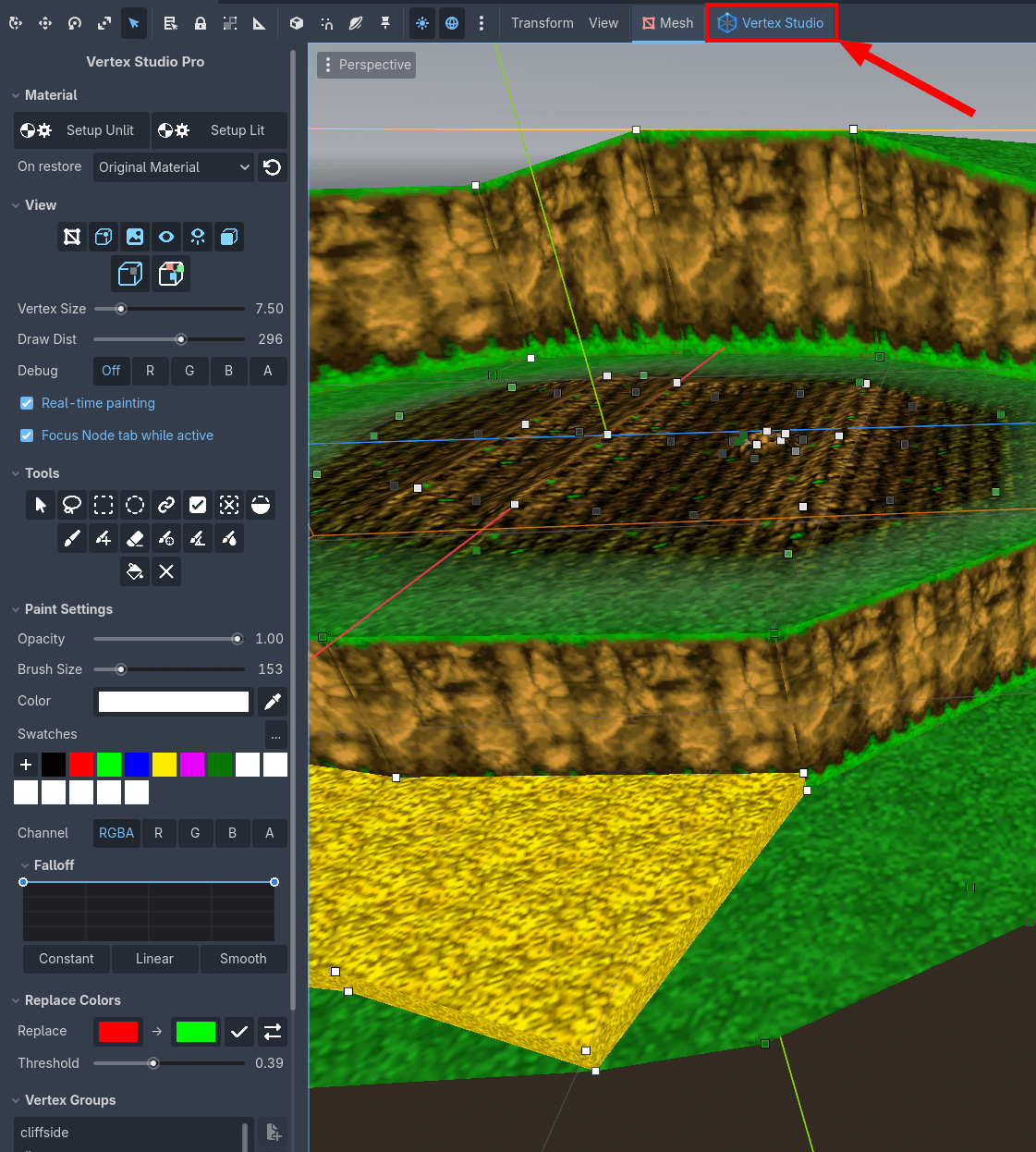
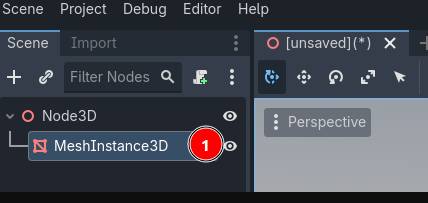
Now, anytime you click on a MeshInstance3D in the Scene Tree and you activate the 3D Workspace, the Vertex Studio button will be available in the toolbar.
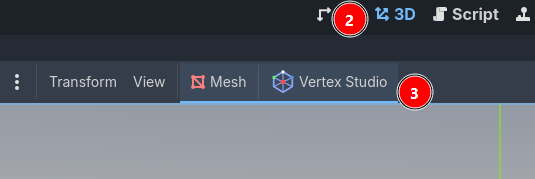
Click the button to open Vertex Studio.